Edimakor: More AI, Far Less Editing
Generate, caption and polish videos with AI tools that live inside one fast workspace.



One Workspace, Every AI Video Tool
Type a script or idea and Edimakor builds a share-ready video for ads, lessons or social posts.
See howDub and translate any clip into new languages with over 400 natural AI voices.
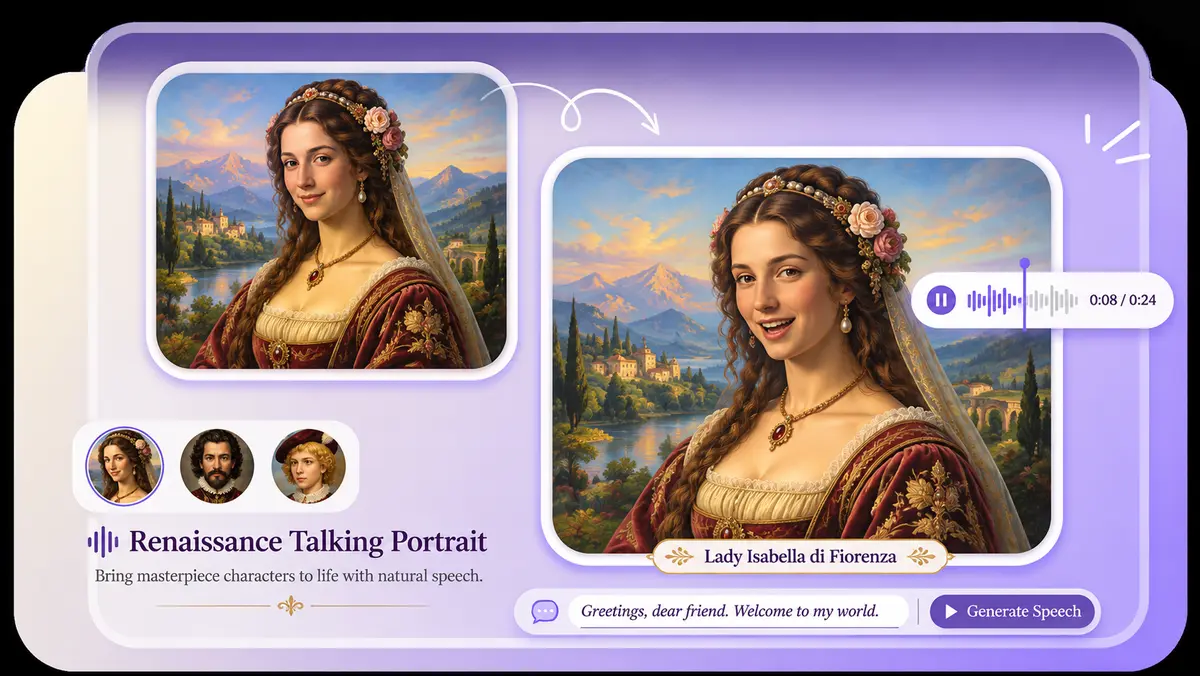
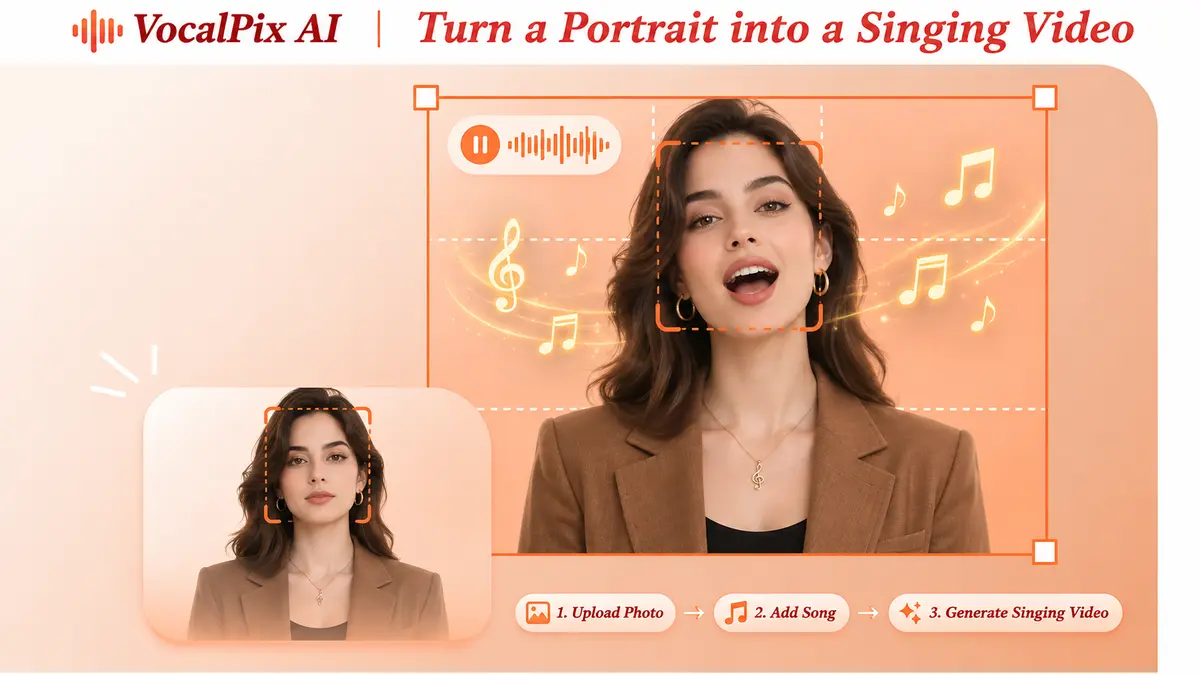
Try itPick a digital presenter and let it lip-sync your audio with natural timing.
Watch it workExtra Edimakor AI Tools That Speed Up Every Edit
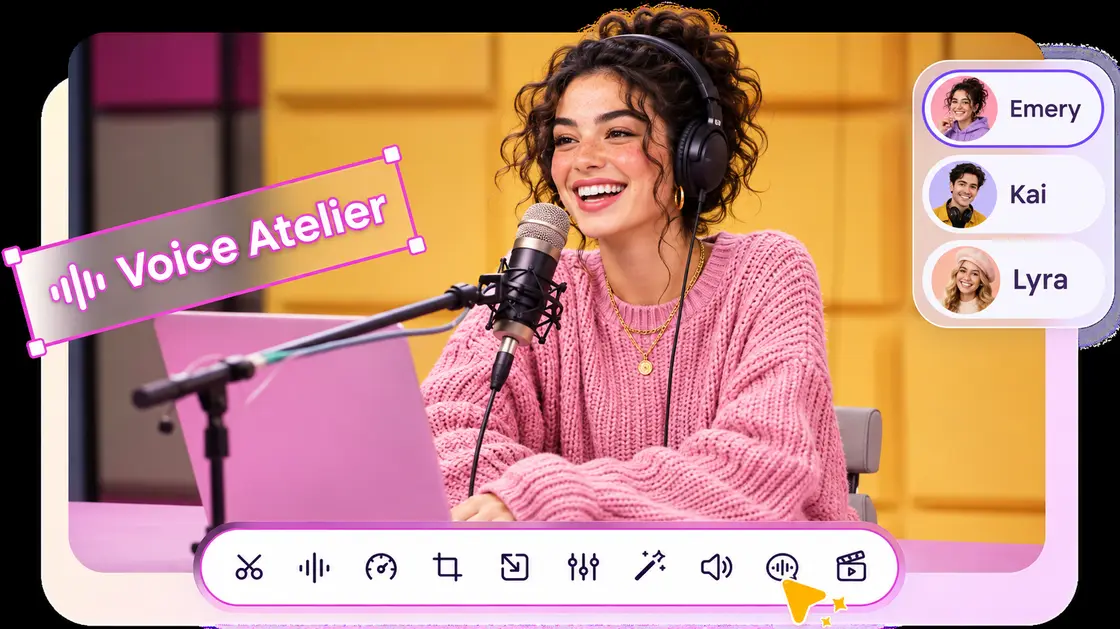
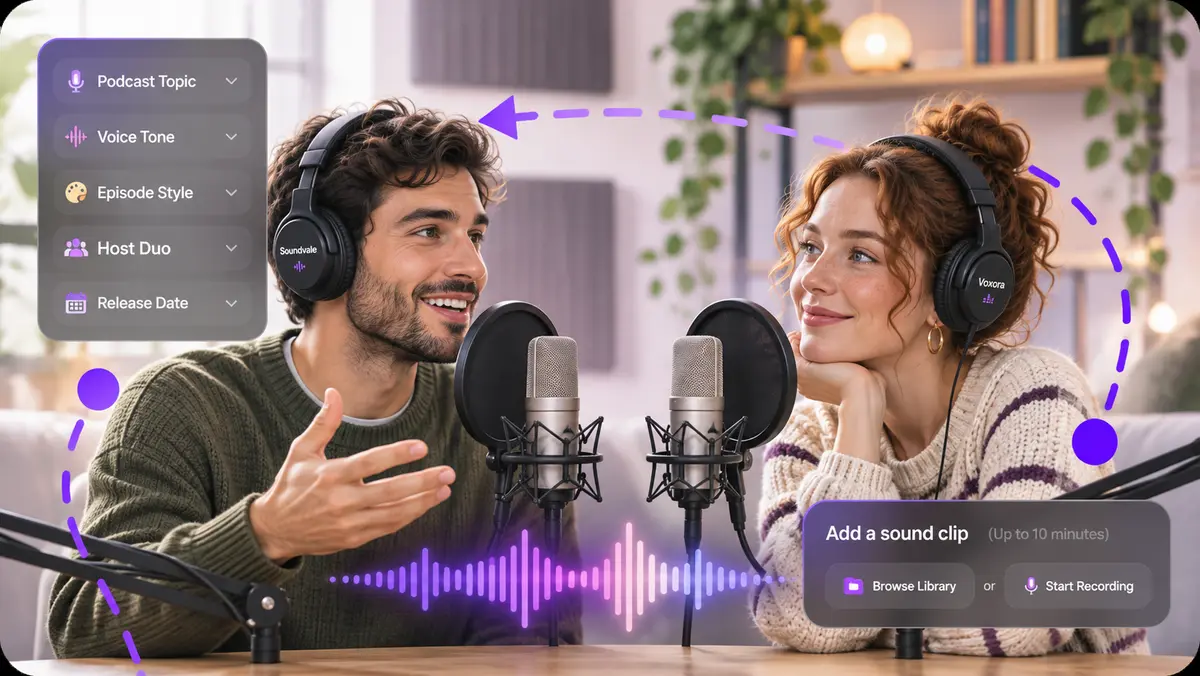
Text to Speech
Turn written lines into lifelike AI voiceovers for any video.

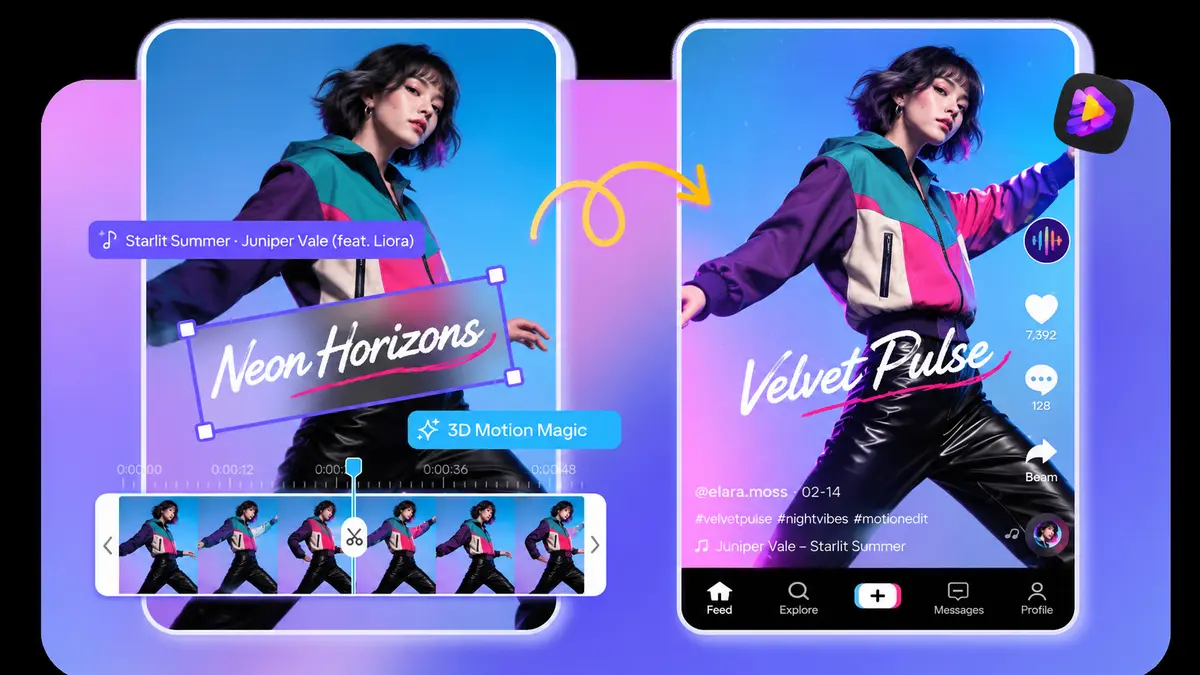
AI Clip Maker
Cut long recordings into short, viral-ready clips for TikTok, Reels and Shorts.
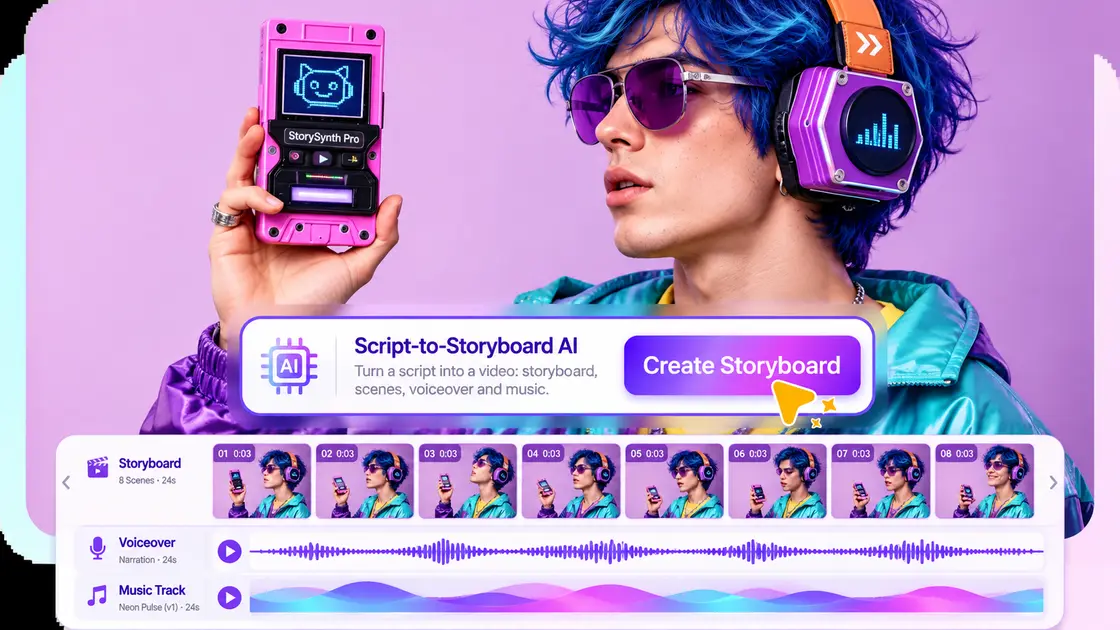
AI Script Video Generator
Edimakor drafts the script, then matches footage, narration and music for you.
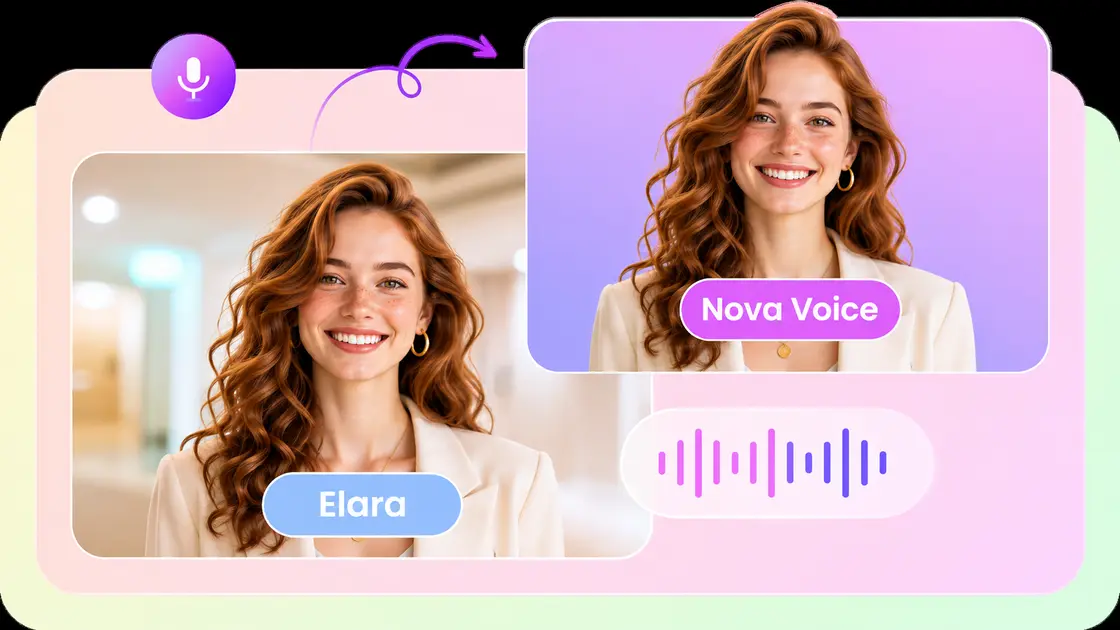
Voice Clone
Copy your own voice and speak in more than 35 languages.
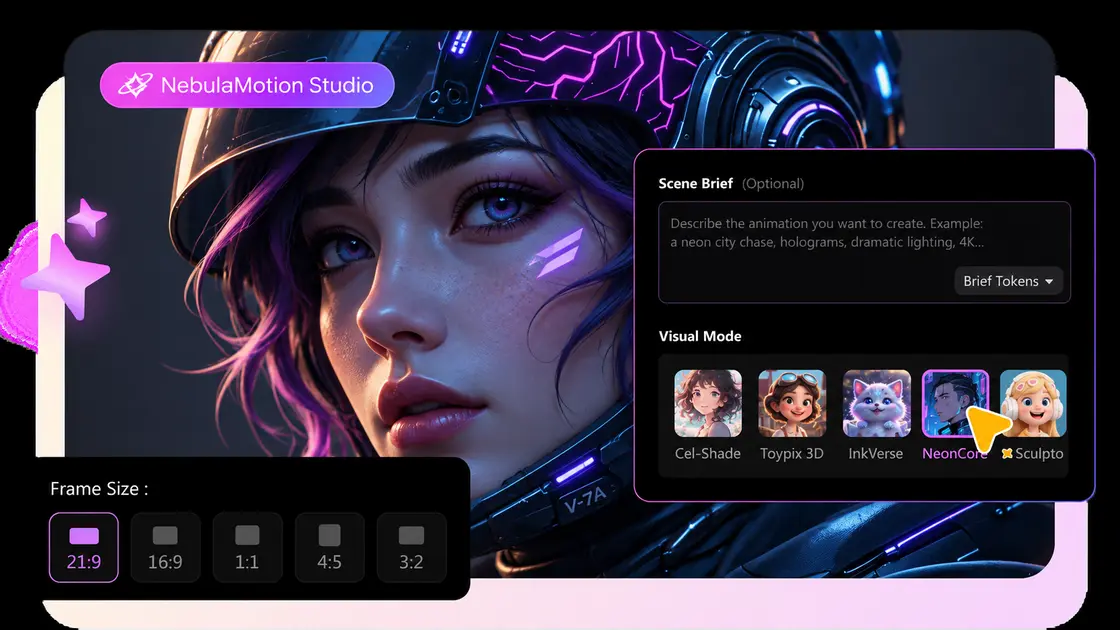
AI Animation Generator
Animate a photo or a short prompt in three simple steps.
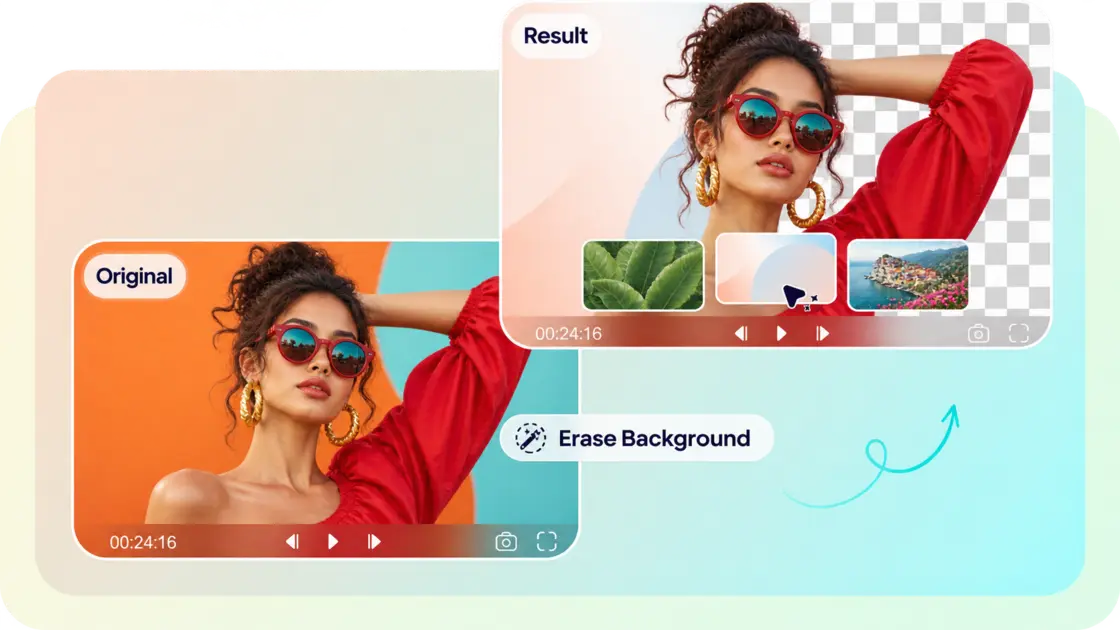
Video Background Remover
Lift people out of any scene without needing a green screen.
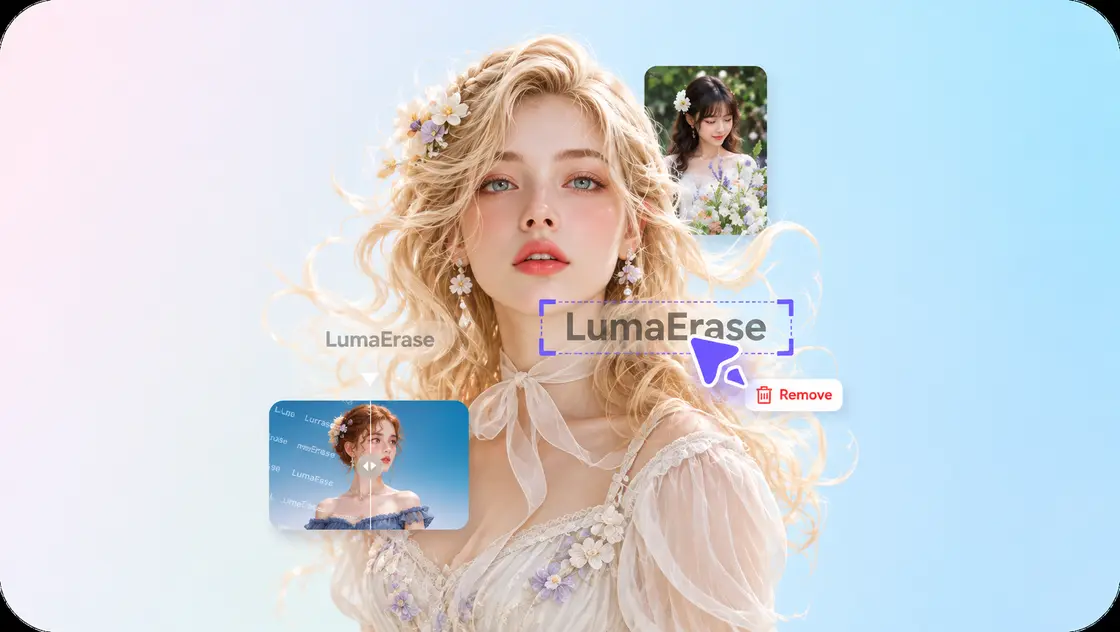
Watermark Remover
Clean stray logos and text overlays from your footage.
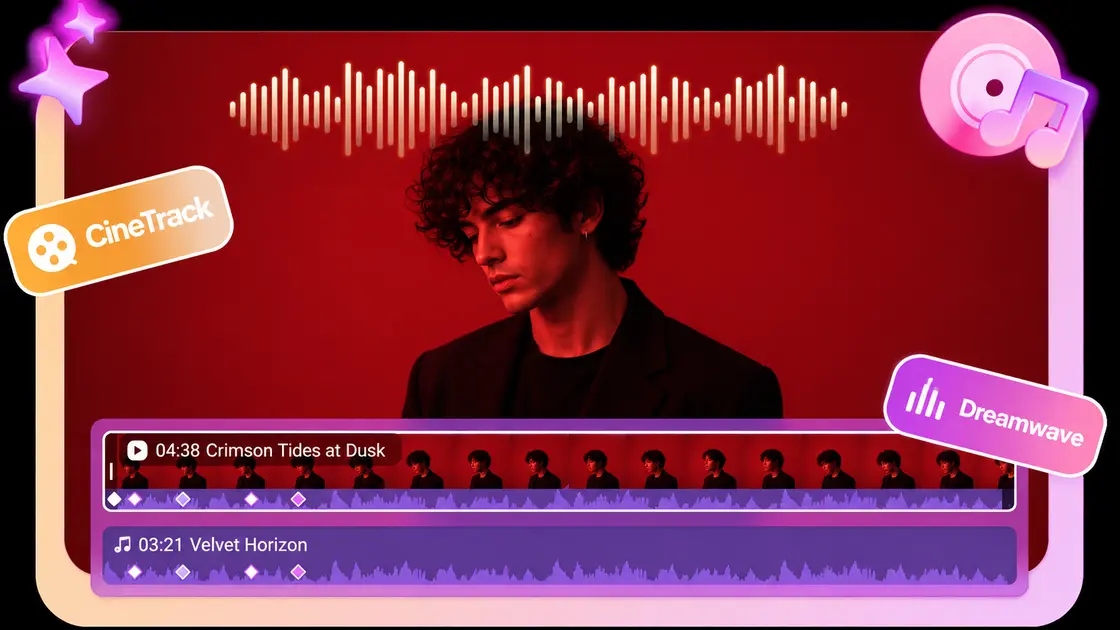
AI Music Generator
Compose original tracks from a text prompt or a reference song.
A Deep Asset Library to Spark Your Creativity
511+
Effects: cinematic lighting, glitch and glow tools that make each frame pop.
465+
Filters: set the mood of any scene with one tap of colour grading.
1,000+
Text: animated titles and font styles you can restyle instantly.
200+
Transitions: smooth cuts and lively moves that keep your pacing tight.
50K+
Photos & Videos: premium stock clips ready to drop into Edimakor.
500+
Stickers & GIFs: playful overlays that add humour and personality.
200+
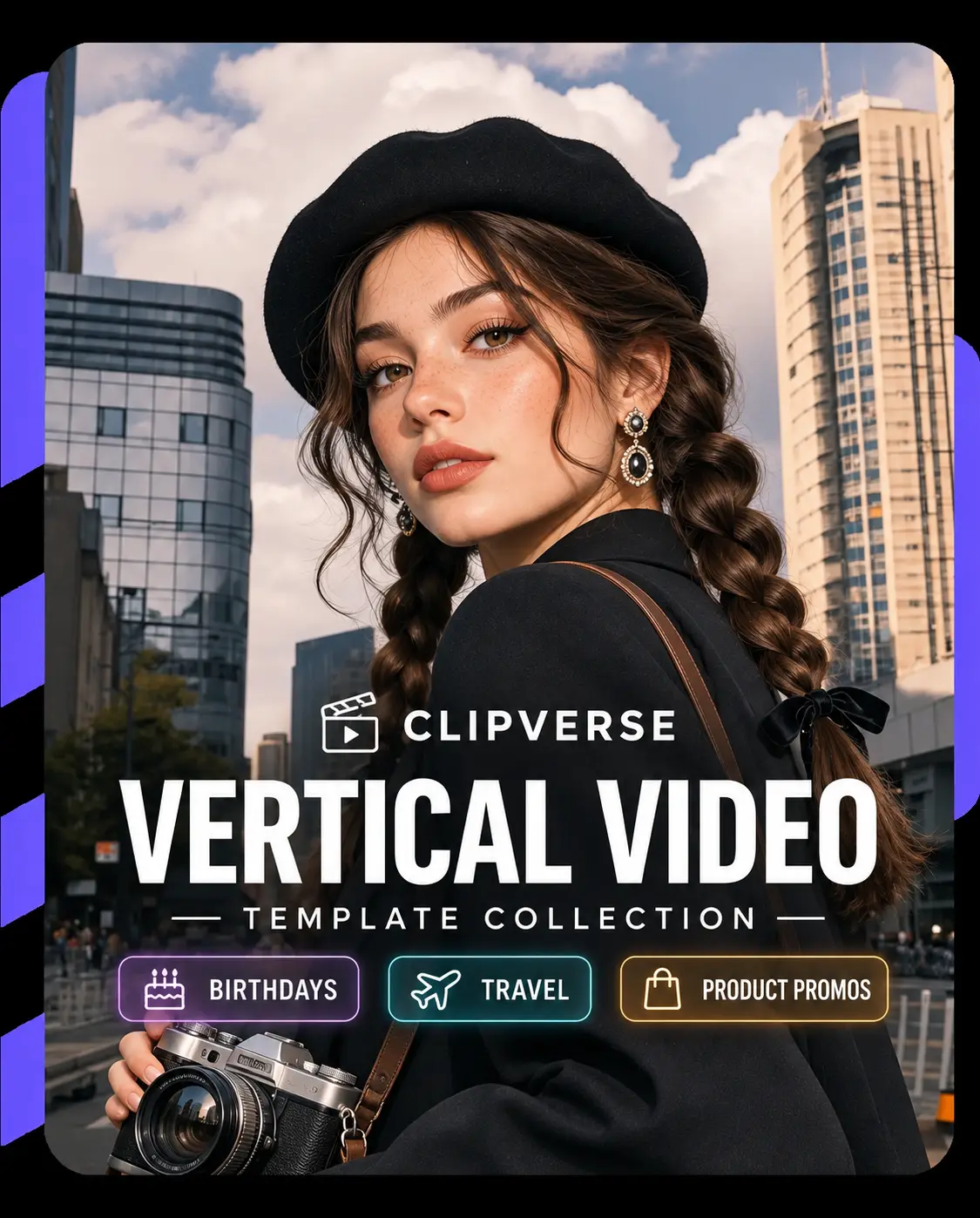
Video Templates: ready-made layouts for every trend, event and style.





Fresh Edimakor News and Tips From Our Community


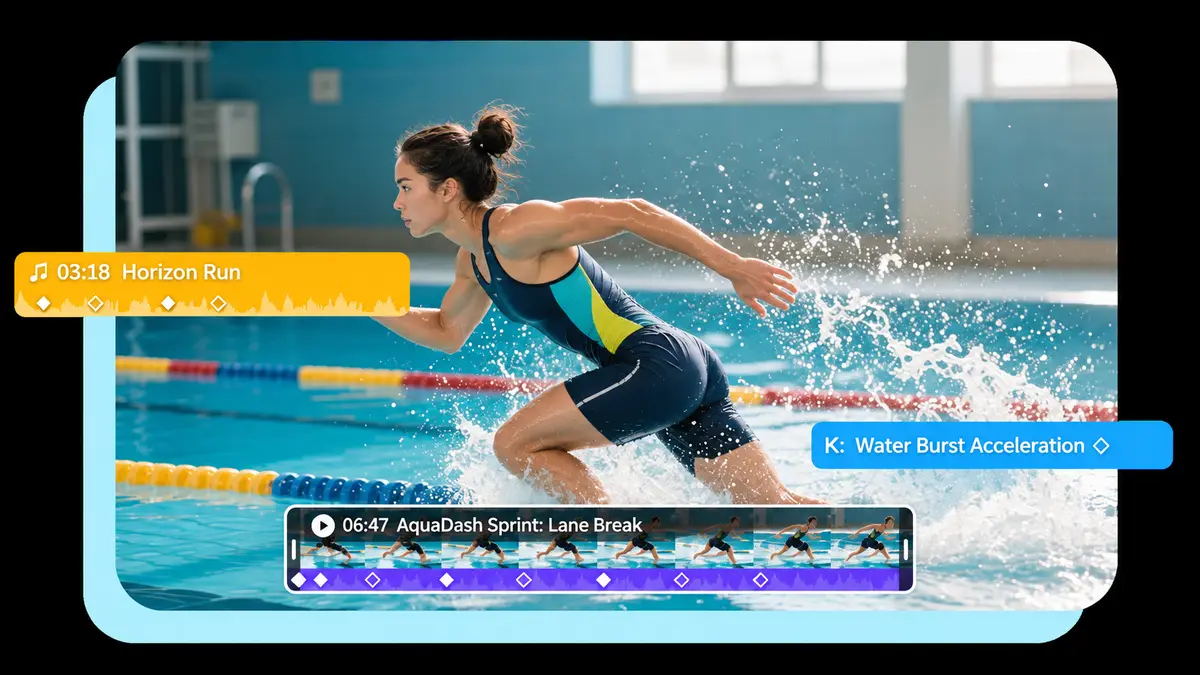
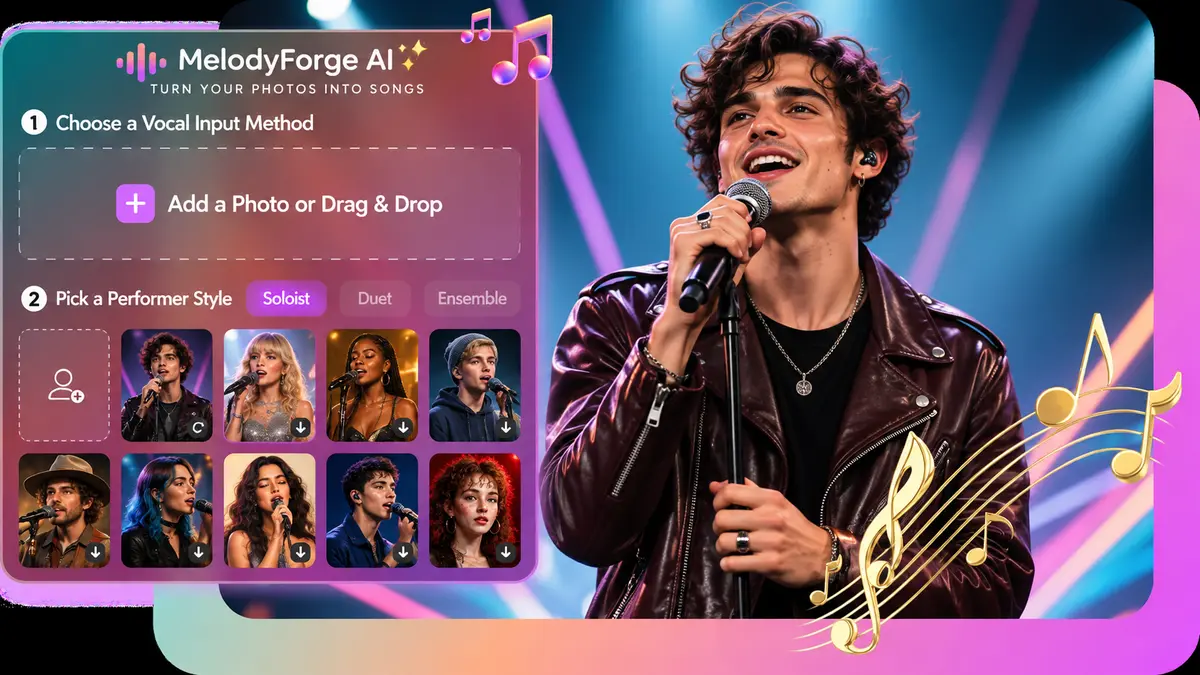
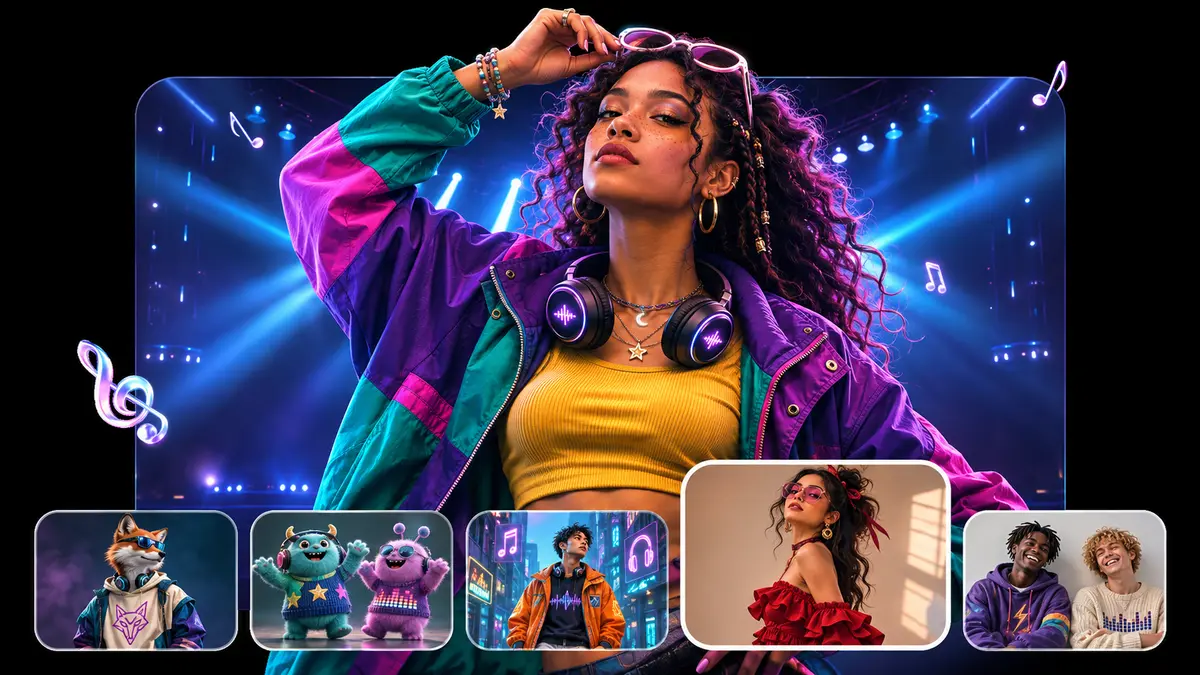

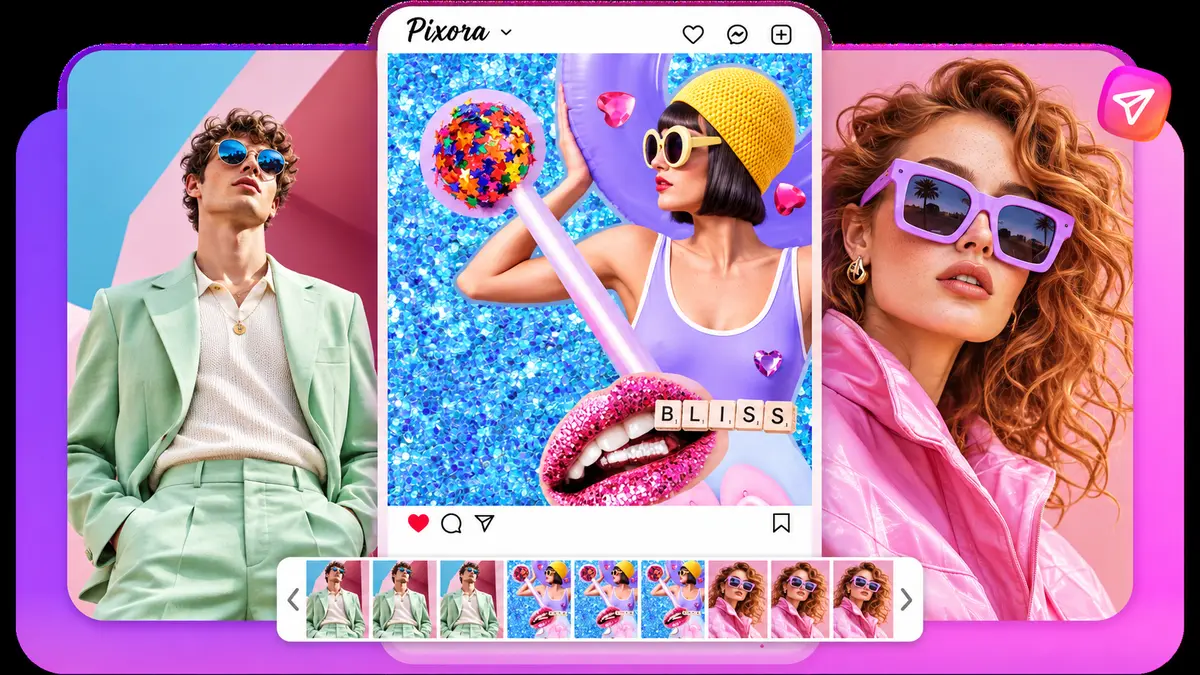


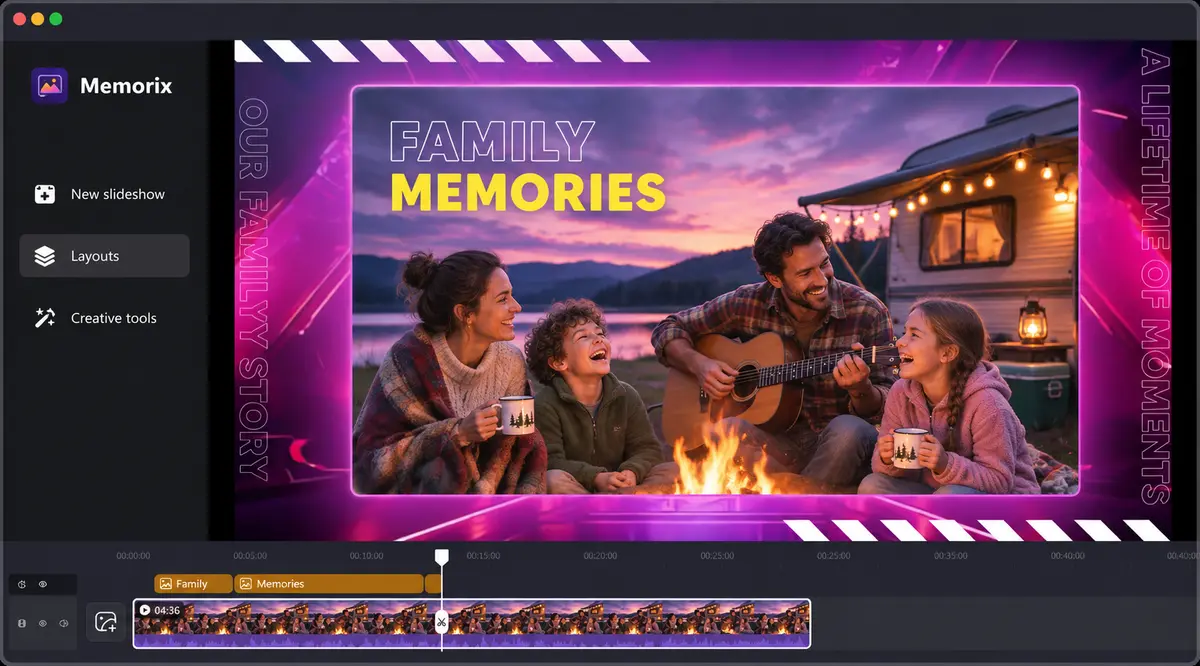

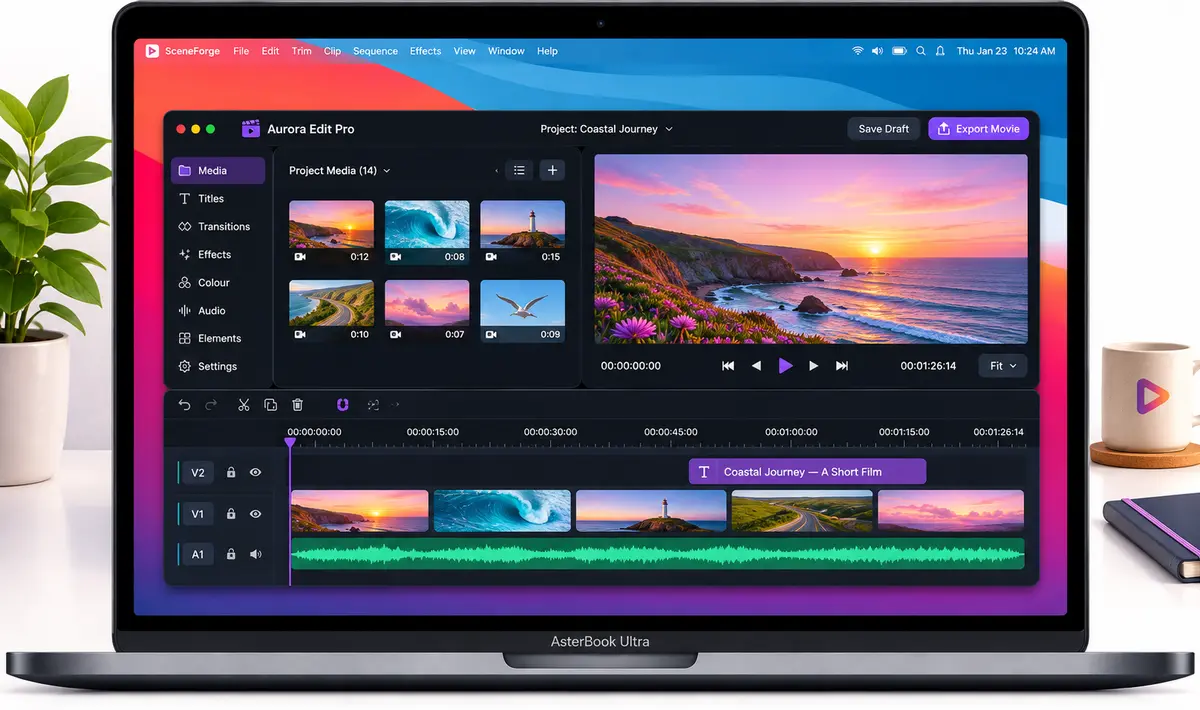







Edimakor lets me finish a reel during my lunch break. The themes look gorgeous and the layout never gets in my way.

Maya Lindqvist
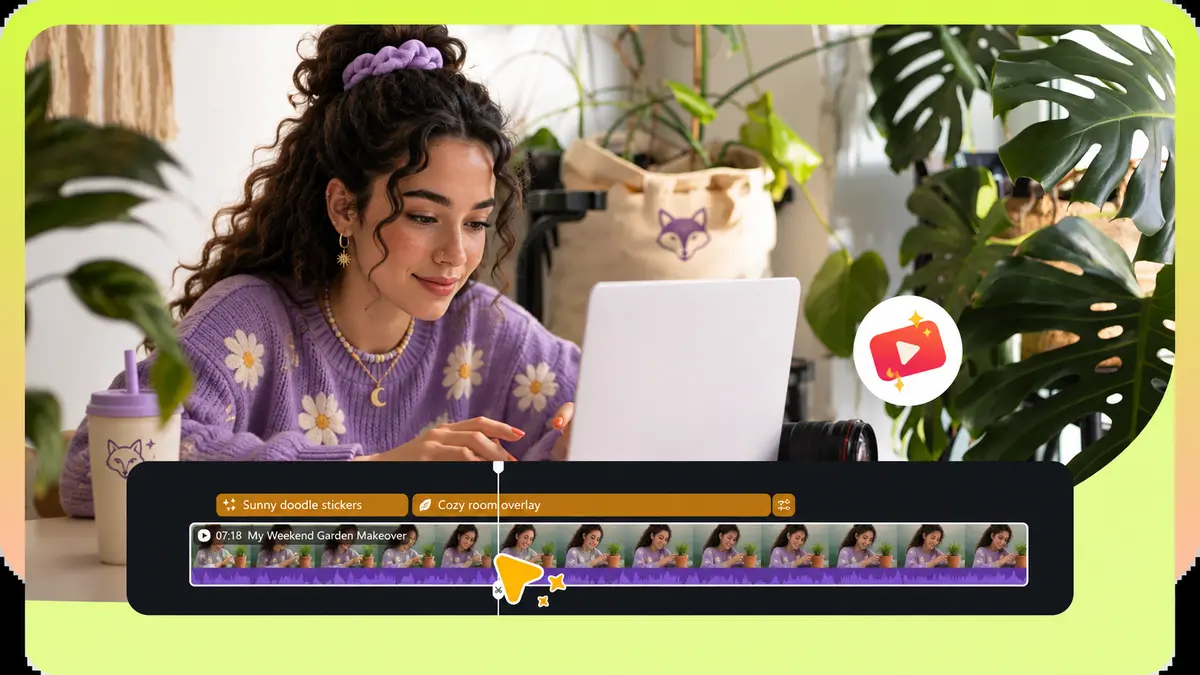
A friendly editor with real depth: unlimited timeline tracks plus stickers, transitions, filters and text styles always in reach.

ReelCraft Weekly
Since switching to Edimakor my edits feel quicker and far more creative. It pushes my channel to another level.

Tomás Ferreira
Pros and hobbyists alike will enjoy it. The audio library, text modes and effects make montages painless.
Clipline Review
The narration voices in Edimakor sound natural, which keeps my online lessons clear and engaging for students.

Priya Nandakumar
Cutting, cropping, rotating and adding music are all simple, and the AI helpers suit beginners and seasoned editors.

StudioBeat Mag
188M+
Downloads
200+
Countries
30M+
Creators worldwide
47+
Languages
Edimakor Questions, Answered
Q1: Do I need editing experience to use Edimakor?
No. Templates, guided AI tools and a tidy timeline help first-time creators publish polished videos on day one.
Q2: Can I work with just the AI features?
Yes. Image, video and avatar generation work on their own, so you can skip the timeline when you only need a quick result.
Q3: Is there a browser version of Edimakor?
Yes. An online studio runs in modern browsers, so you can open a project on any computer without installing anything.
Q4: Which computers does the desktop app support?
The desktop editor runs on Windows 11/10 and recent macOS releases, and projects behave the same on both.
Q5: Why choose Edimakor over a basic editor?
It pairs classic timeline editing with AI subtitles, voices, avatars and translation, so one app covers the whole workflow.
Q6: Does it include stock media?
Yes. Thousands of effects, filters, stickers, transitions, templates and stock clips sit right inside the library.
Q7: Can I publish my videos for commercial projects?
That depends on your plan and the licence of any assets you add, so review the terms in your account before client work goes live.